If you have a bright new Nexus 5 then one of the first things you’ll want to do is to install the Windows drivers. This will let Windows recognize you Nexus 5 correctly. This will also be required if you want to do any modifications like rooting which required ADB to recognize. Google did not provide any Nexus 5 specific device but it seems like the generic Google USB drivers are working. Below are instructions on how to install Nexus 5 drivers. 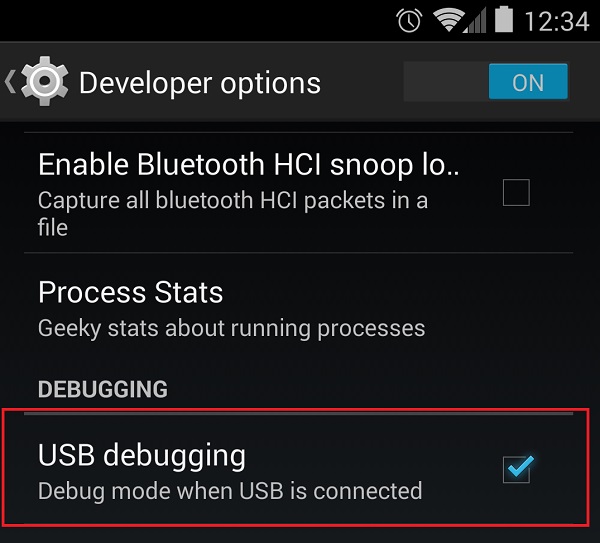


Right-click on the Nexus 5 and choose “Update Driver Software..” from the menu. Choose “Browse my computer for driver software” and point to the folder of the Google USB drivers. After that the driver should install correctly and now will show up under “Android Composite ADB Interface”. That’s it and now ADB will recognize the Nexus 5. 