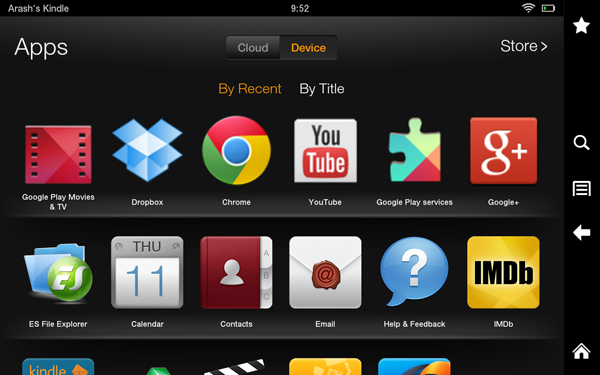
The Kindle Fire HD is a great device with access to music, movies, book, apps, and more. But all of that content comes from Amazon only. There is no official access to the Google Play Store which has much more content in terms of apps, music, and movies. But here on Android Cowboy we try to help everyone get the best out of their device. Today we’re going to show you how you can access all your movies and TV shows from Google Play on the Kindle Fire HD. Access to the content on Google Play will not require root and is a pretty easy process. So don’t worry about your warranty being void or anything bad happening to your device. The first step is to setup your Google account on your Kindle Fire HD which will require sideloading a few apps. Head on over to this Kindle Fire HD" href="http://androidcowboy.com/2013/03/google-app-on-kindle-fire-hd/">link and follow the instructions exactly to get your Google account setup. The instructions use Google+ app to sign in but you can use another Google App like Chrome. But to keep it simple stick with Google+ and you’ll be good to go.